
Controls Window#
The fitting controls window allows the user select and configure a fit procedure, start/stop a fit, and view the final chi-squared from a fit.
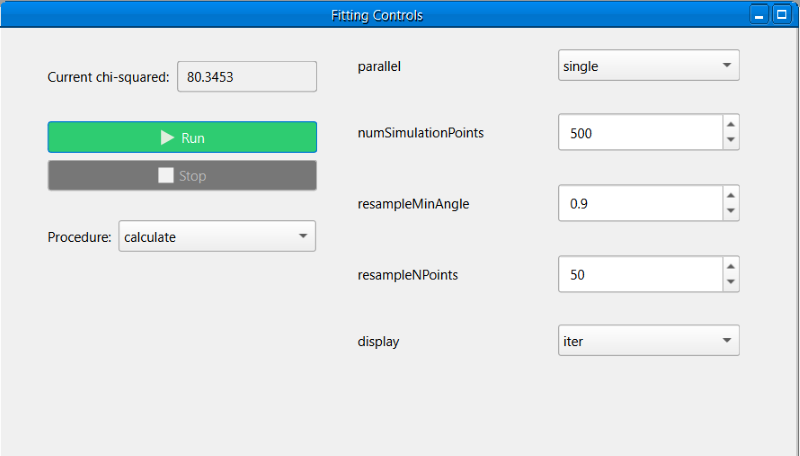
RasCAL-2 exposes different fit procedures from the Reflectivity Algorithm Toolbox (RAT), a different procedure can be selected in the procedure dropdown box. When the procedure is changed, the options on the right side of the window will be updated to match the selected procedure. RAT has general options which are available for all procedures and unique options for each procedure:
After selecting and configuring a procedure, a fit can be started by clicking the Run button, starting a fit will disable the Run button and enable the Stop button, to stop a fit simply click the Stop button, stopping a fit will disable the Stop button and enable the Run button. The Run button will be re-enabled if the fit finishes without being stopped.
Note
A calculation cannot be started while editing the project, the control window will be disabled until the project is saved.
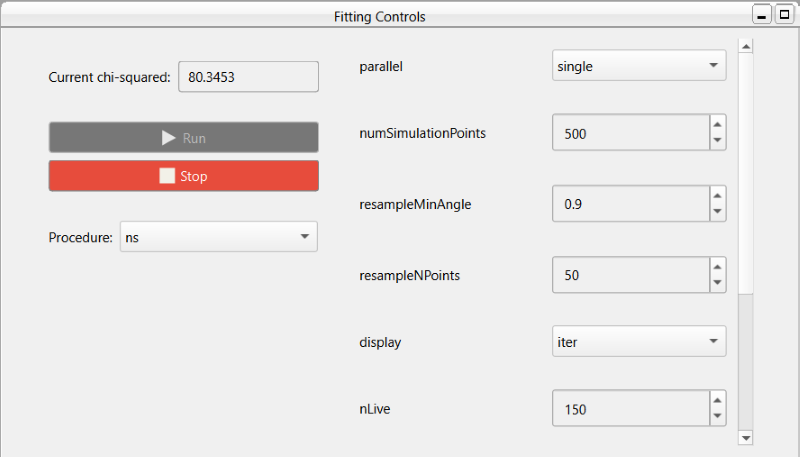
If the selected procedure is Simplex or DE, stopping a fit before completion will return the current best result, the current chi-squared textbox will show the best value during the fit. For the remaining procedures, stopping a fit will not return a result and the current chi-squared textbox is only updated on fit completion.