
Project Window#
The project window allows the user define the model to be fitted. The project window will display the information about model type, geometry, calculation type and whether absorption is used at the top of the window, then the remaining model information is arranged in tabs.
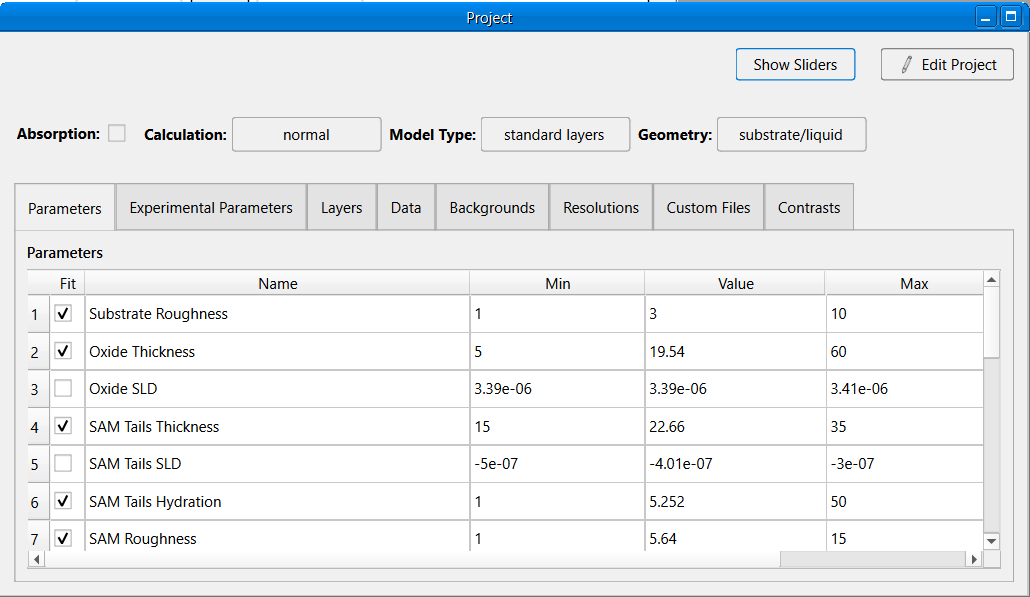
By default, most entries in the project windows cannot be modified. To modify the project, click the Edit project button in top right of the window. The project can now be modified and changes can be saved by clicking the Accept Changes button or discarded by clicking the Cancel button.
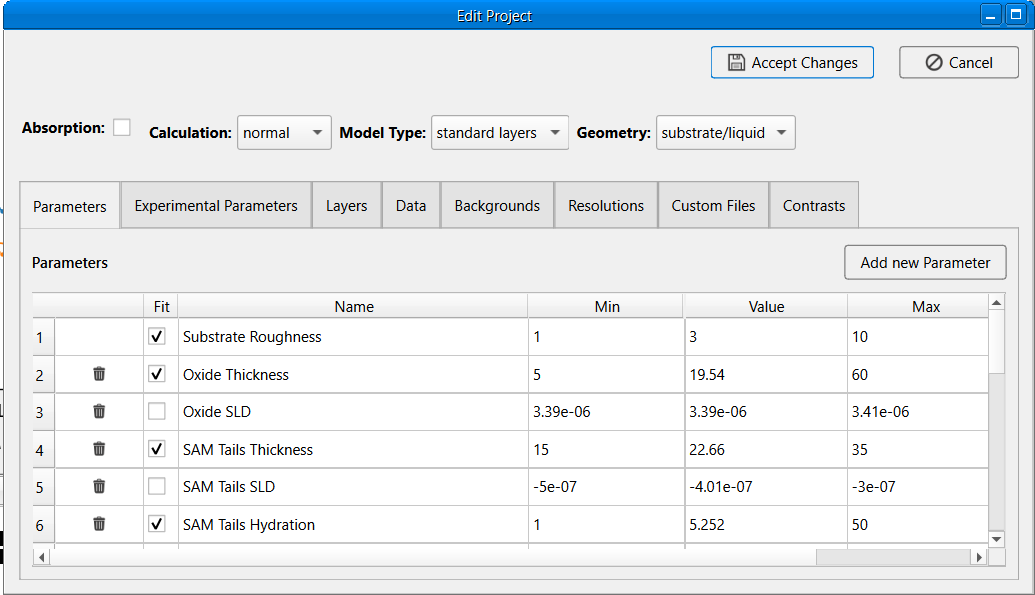
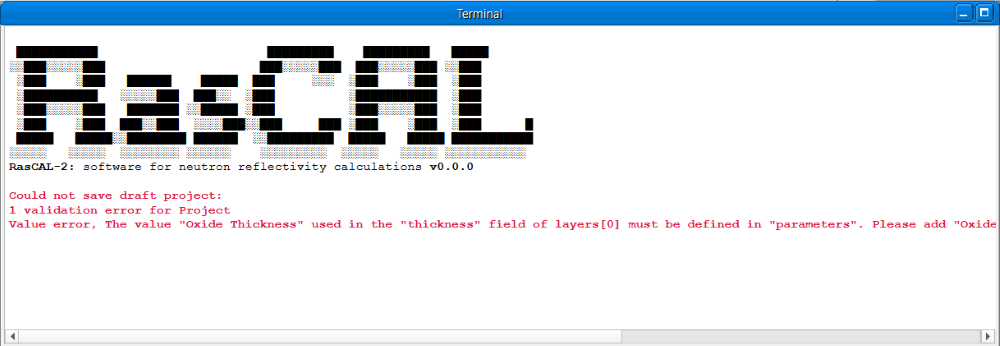
When saving changes, RasCAL will try to validate the changes before saving and will show validation errors in the terminal if any. The project will only be saved if the validation is successful.
Warning
RasCAL doesn’t validate the code in custom functions, so it is possible for a project to fail when run even though it passed the validation.
The project tabs help organise the components of a project, the following tabs exist
Changing Fitted Parameter Values#
Fitted parameters defined in the different project tabs can be modified in a single place using the slider view. In the project window, click the Show Sliders button to show the slider view, it will replace the original contents of the project window with a set of sliders. Each slider is associated with a unique fitted parameter i.e. parameters in the project where the fit check box is checked. Dragging a slider will adjust the value of the parameter associated with it and update project. After modifying the sliders, either click the Accept button to save the changes or click the Cancel button to revert changes to the project and hide the slider view.
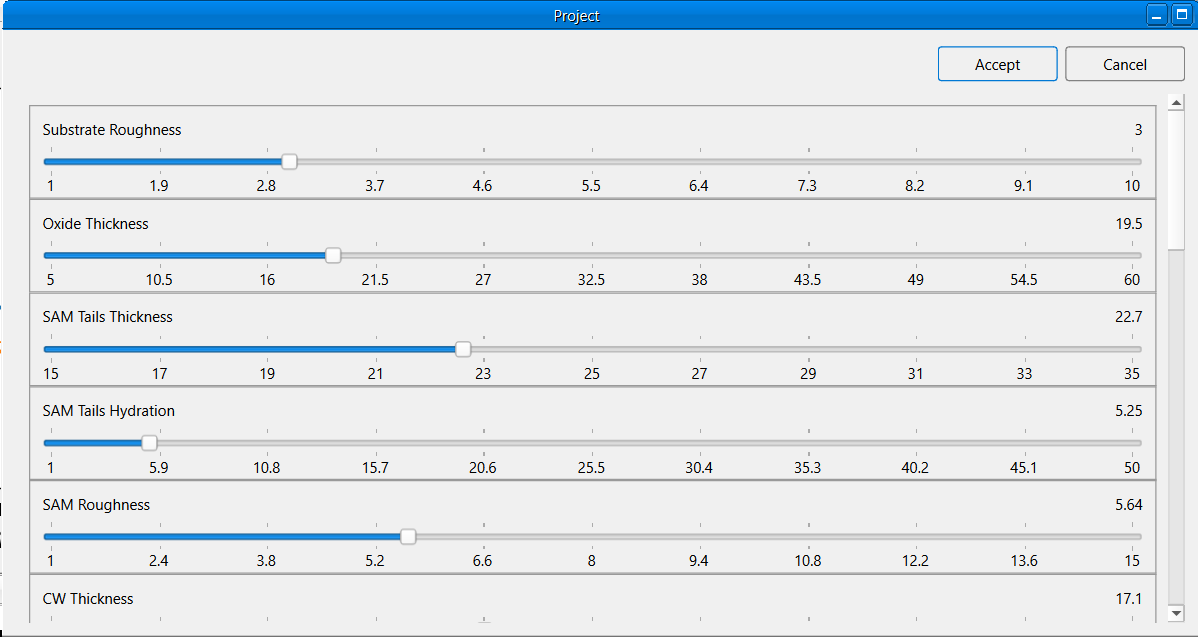
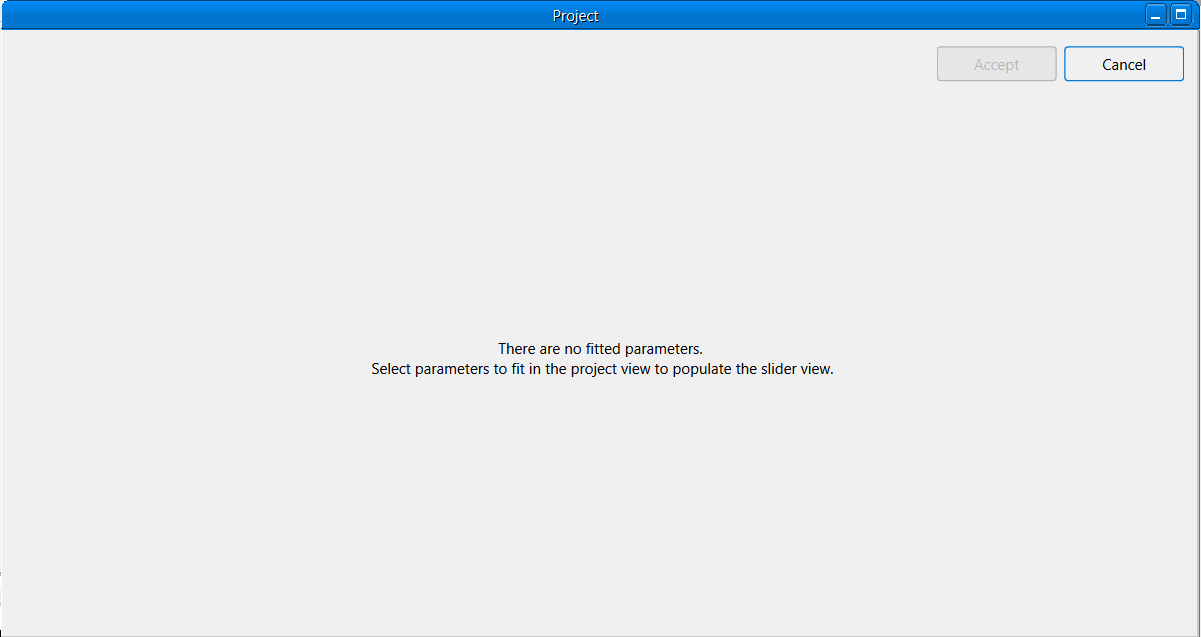
The slider view will be empty if there are no fitted parameters in the project.
Hint
The slider view can also be opened by clicking the Tools > Show Sliders Menu and cancelled by clicking the Tools > Hide Sliders Menu