
Data#
The data tab contains the data which defines at which points in q the reflectivity is calculated for each contrast. Different datasets can be loaded into a project and assigned to contrasts as needed. The available datasets are shown in the data list on the left, each dataset has the Name, Data Range, and Simulation Range properties. The properties for a specific dataset can be view by clicking on the name of the dataset in the list. These properties can also be modified in edit mode although Data Range, and Simulation Range can also be modified outside edit mode to keep consistency with RasCAL-1.
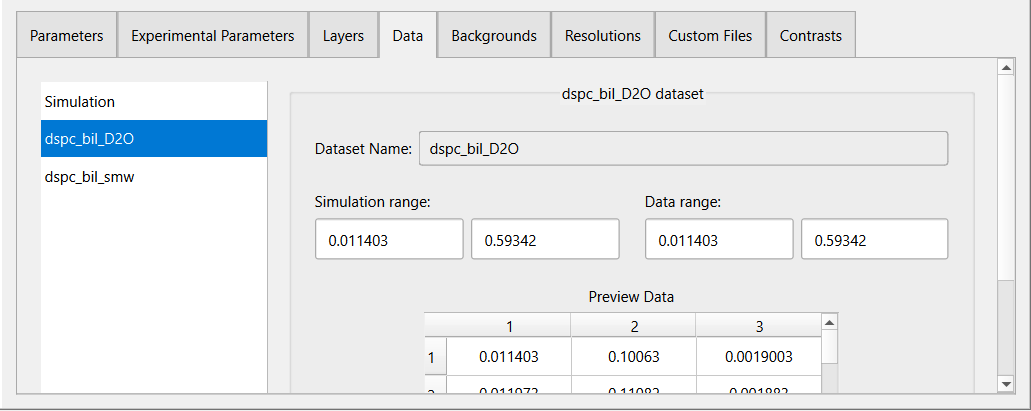
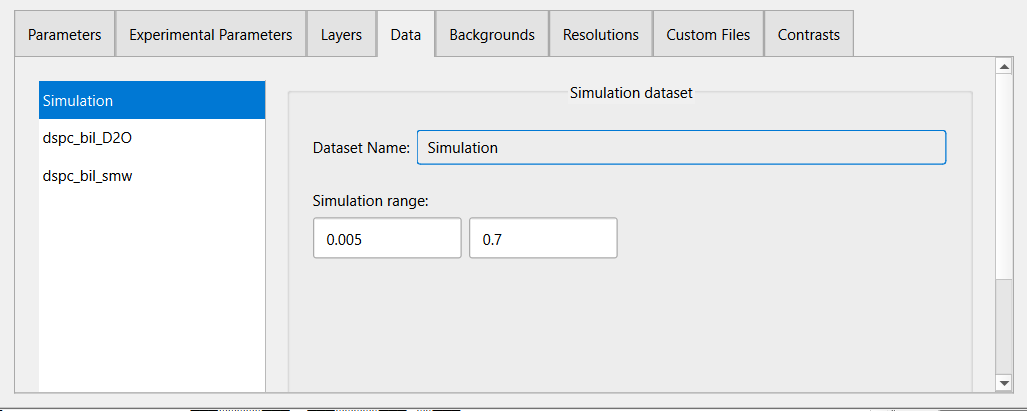
The Simulation dataset is the default value to use when no data is present in a contrast. This dataset cannot be deleted from the data list or renamed but the Data Range, and Simulation Range properties can be adjusted if needed.
Add and Remove Data#
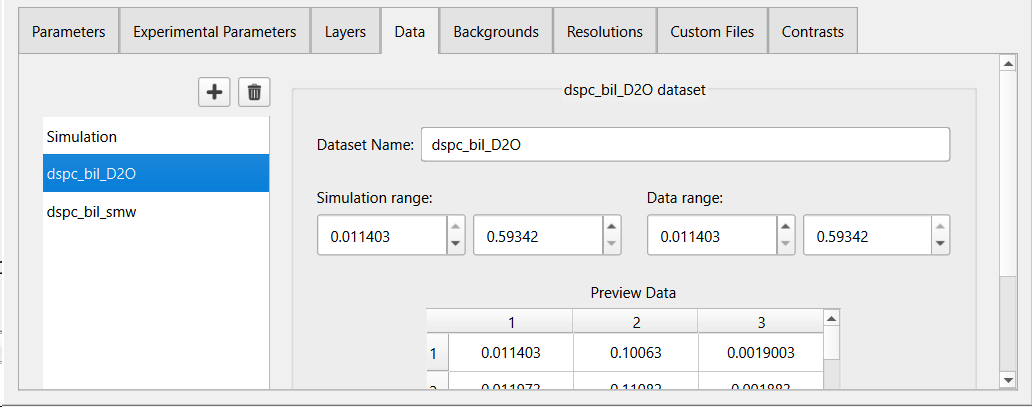
To add a new dataset, in edit mode:
Click the
 button at the top of the data list.
- Select a data file with a supported format in the file dialog. The following file formats are supported:
Text file (.dat) - 3 or 4 column ASCII file with or without a single line header.
ISIS histogram (.asc) - for back compatibility with RasCAL-1.
Nexus file (.nxs) - which should contain data in a NXdata entry.
ORSO data file (.ort)
The data will be loaded and shown in the preview table. Modify the name, data range, and simulation range as needed.
To remove a dataset, in edit mode:
Select a dataset to remove in the data list.
Click the
 button.
The selected dataset will be removed from data list along with any reference to it.